
Know where every job stands. Live.
Your tech marks each step from the app: on the way, arrived, started and finished. The office and the customer see it instantly, with turn-by-turn navigation to get there on time.
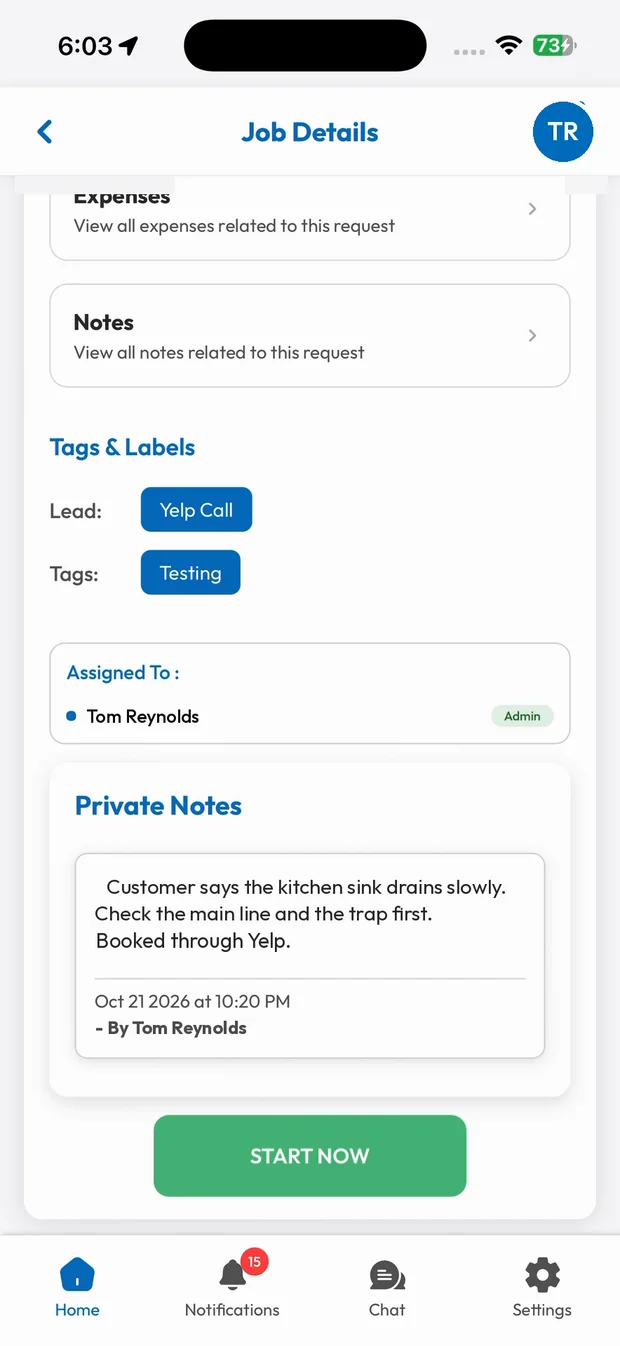
Live Job Tracking in three steps.
On the way
The tech taps navigate and the status updates.
Arrived and started
Each step is logged with the time.
Finished
The job is marked complete and ready to be paid.
Every step, logged
On the way, arrived, started and finished. Each tap updates the job for the office and the customer, and builds a timeline you can look back on.
- Status updates in one tap
- Timeline on every job
- Visible on the owner dashboard
Navigation built in
Start turn-by-turn directions right from the job, so your tech goes to the right address the first time.
- Directions to the job site
- Fewer late arrivals
- No copy-pasting addresses
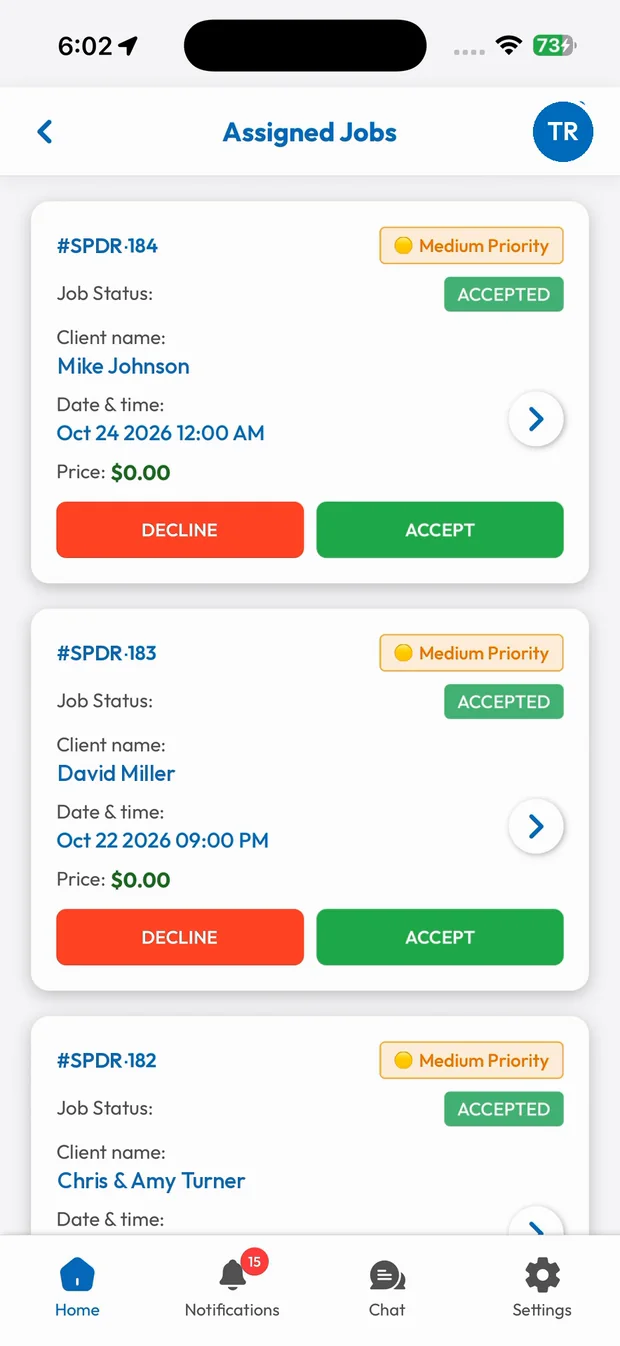
What you get with Live Job Tracking.
No more "where are you?" calls
The office sees each status change the moment it happens.
Customers kept in the loop
Customers know when the tech is on the way.
Turn-by-turn navigation
Directions to the exact job site from the job screen.
A logged timeline
Every step is recorded on the job.
Trades that rely on Live Job Tracking
Run your business the easy way.
Start your 15-day free trial or book a free demo. We'll set SmartTrack up with you, step by step.