
No deposit, no job.
Set a required deposit on any estimate, as a percentage or a fixed amount. The customer can't accept without paying it. For bigger jobs, add progress payments with due dates so cash comes in throughout the project.
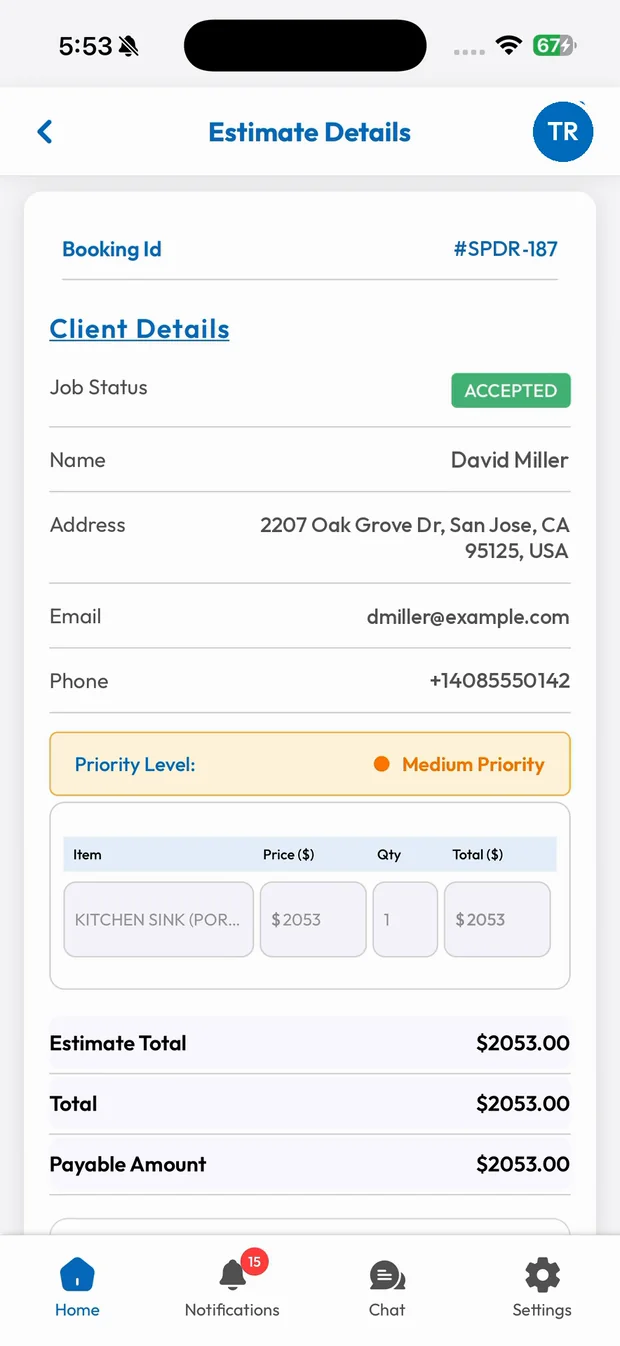
Deposits & Progress Payments in three steps.
Set the deposit
Choose a percentage or an amount when you build the estimate.
Customer accepts and pays
Accepting the estimate takes them straight to the deposit payment.
Collect as you go
Progress payments with due dates keep cash flowing on long jobs.
Deposits built into the estimate
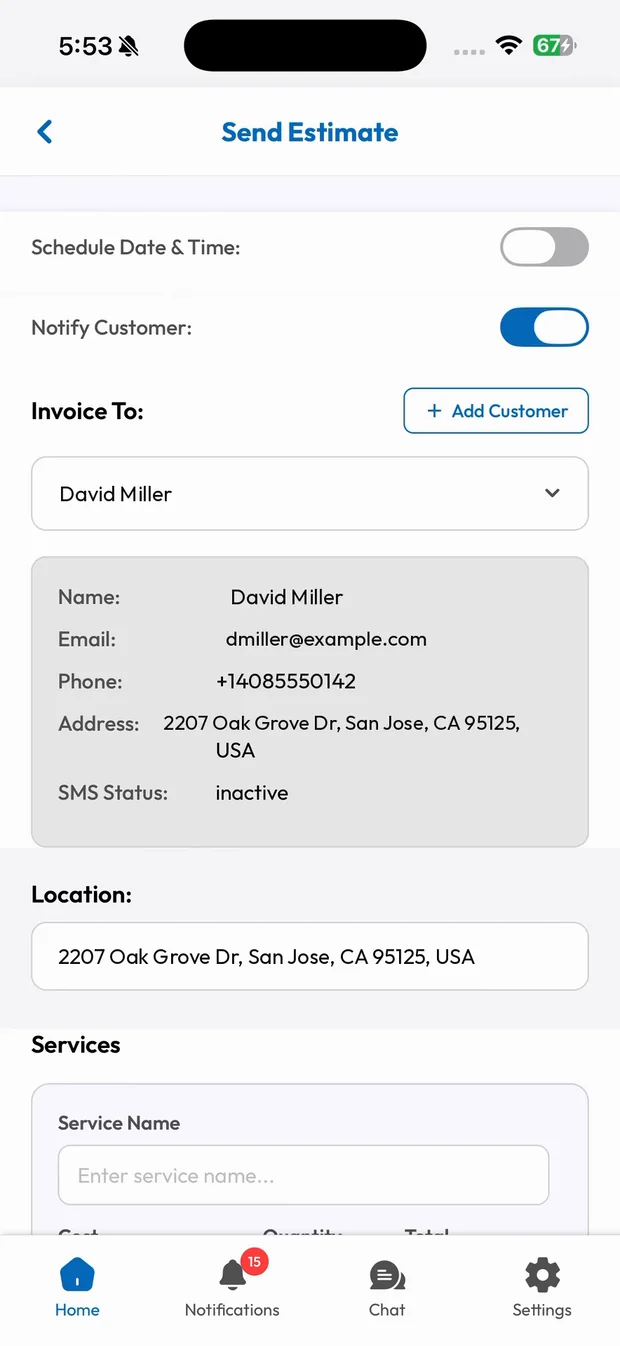
Turn on Request Deposit, set the amount and send. The customer can't accept the job until the deposit is paid, so every job on your calendar is a committed one.
- Percentage or fixed amount
- Required before acceptance
- Shown clearly on the estimate
Progress payments for big jobs
Split a large job into milestones, such as a deposit, materials delivery and completion, each with its own due date. Payments show up on your dashboard as they come in.
- Milestones with due dates
- Customers know what's coming
- Track every payment on the job
Good morning, Summit Plumbing
Today's jobs View schedule
Payments This month
Estimates All
What you get with Deposits & Progress Payments.
Stop the ghosting
Customers commit with a deposit, so you never block a day for a job that disappears.
Better cash flow
Materials are paid for up front, not out of your pocket.
Clear milestones
Customers see exactly what's due and when. No awkward conversations on site.
Looks professional
Payment terms are built into the estimate from the first email.
Trades that rely on Deposits & Progress Payments
Related features
Run your business the easy way.
Start your 15-day free trial or book a free demo. We'll set SmartTrack up with you, step by step.