The office in your tech's pocket.
Assigned jobs, turn-by-turn navigation, the price book, job notes, photos, team chat and payments, all synced in real time with the office. Your crew runs the whole job from one app.
Employee Mobile App in three steps.
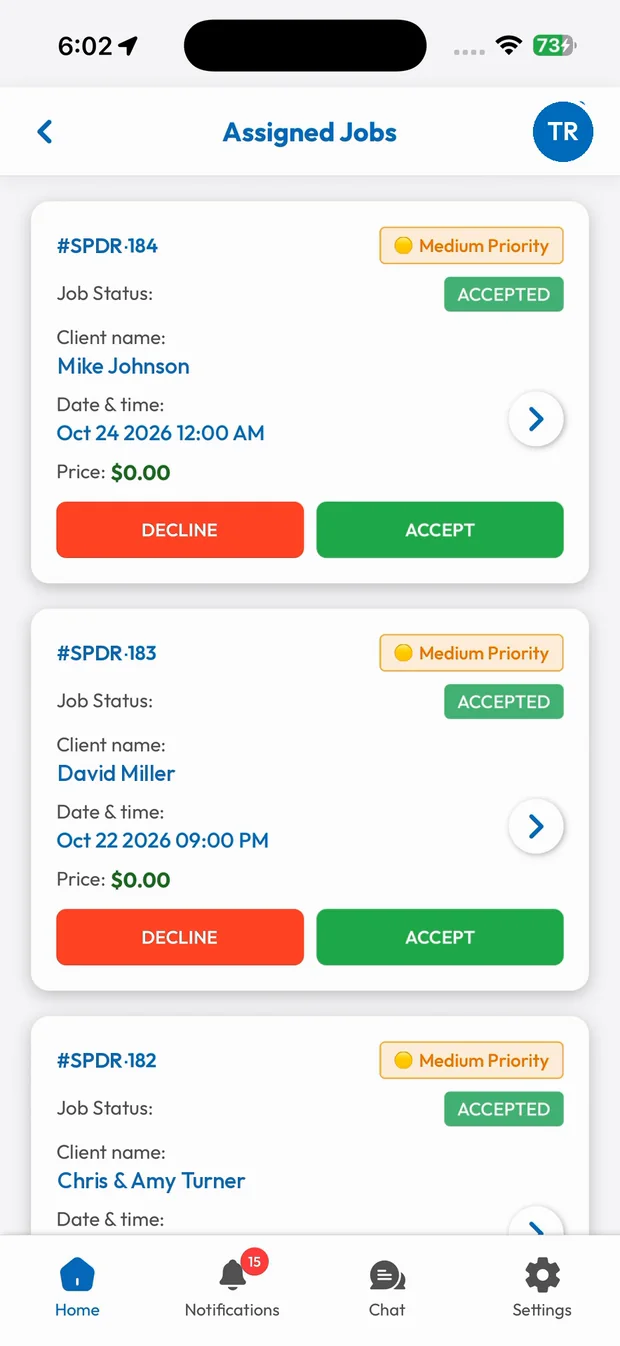
Accept the job
New jobs show up with every detail. Accept in one tap.
Run the job
Navigate, start, add notes, photos and extra work.
Get paid
Take payment on the spot and finish the job.
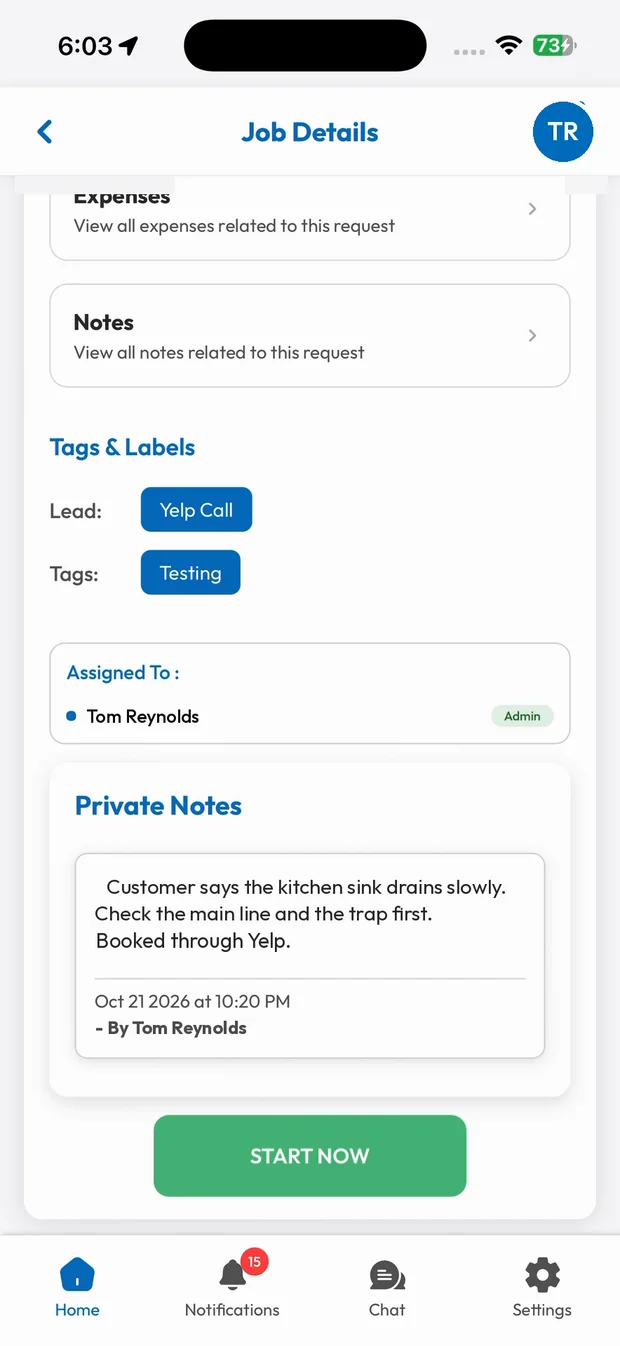
Every job, every detail
Customer, address, phone, priority, date, time, services and private notes. Everything your tech needs is on the job screen.
- Customer and job details
- Private notes from the office
- Start the job in one tap
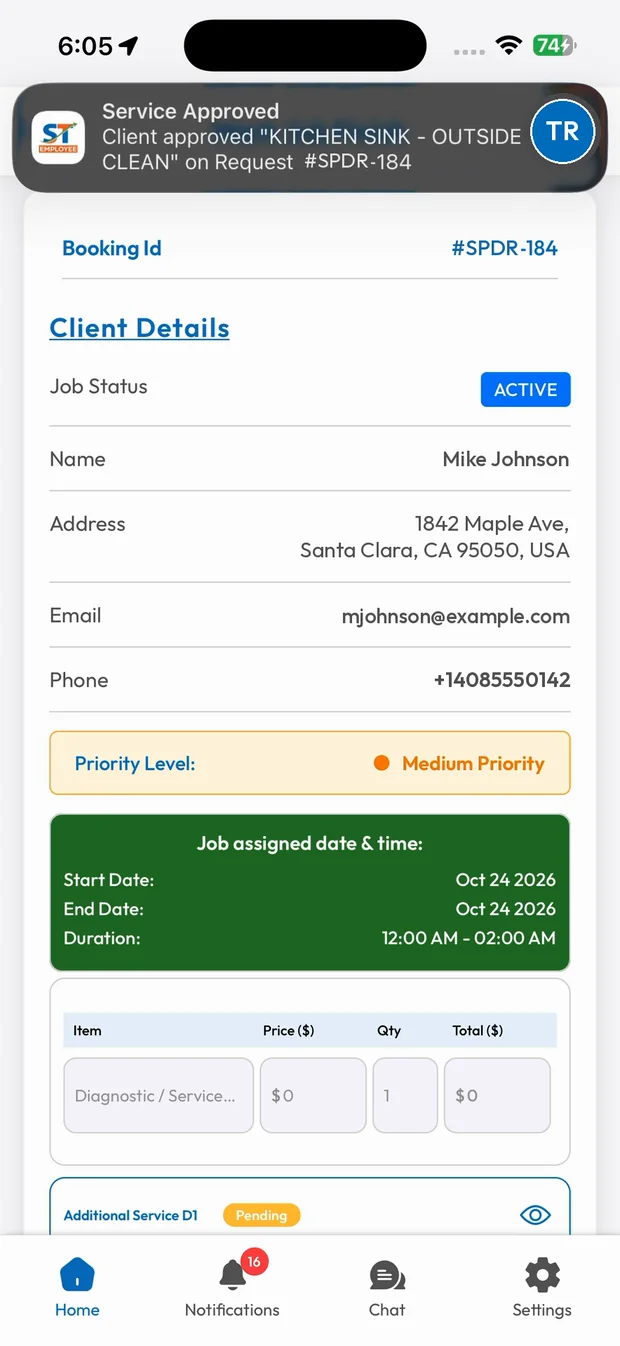
From first tap to final payment
Mark the job started and finished, add extra work the customer signs for, attach before and after photos and take payment, all without leaving the app.
- Live job status
- Extra work with customer signature
- Tap to Pay on iPhone
What you get with Employee Mobile App.
Assigned jobs
Current, upcoming and pending jobs with full details.
Real-time navigation
Turn-by-turn directions to the job site.
Price book on site
Quote and add work with approved prices.
Payments in the app
Tap to Pay, card, cash or check without extra hardware.
Related features
Run your business the easy way.
Start your 15-day free trial or book a free demo. We'll set SmartTrack up with you, step by step.