Make all your orders fully in sync with
your team and customers.
Get a full picture of each order’s lifecycle. Everything updates instantly, whether it’s pending, active, or wrapped up.
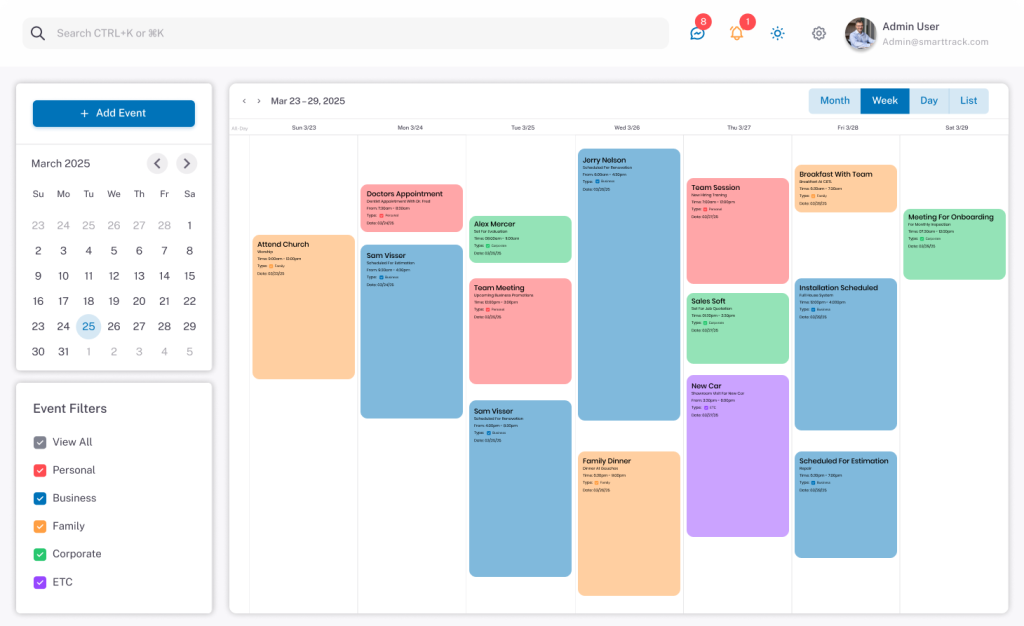
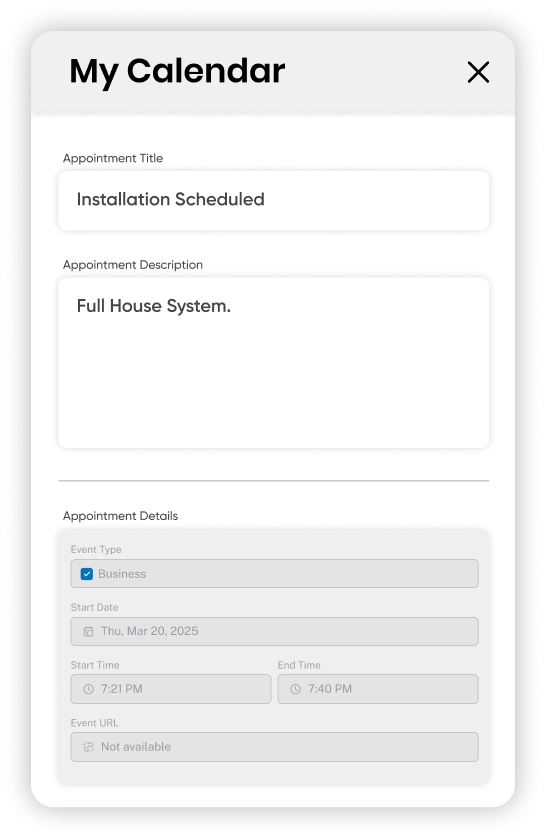
Approve, assign, reschedule, or cancel orders on the spot. You’re in control without switching tabs or juggling platforms.
Each order comes with its own built-in chat thread, so conversations stay tied to the job, and nothing slips through the cracks.
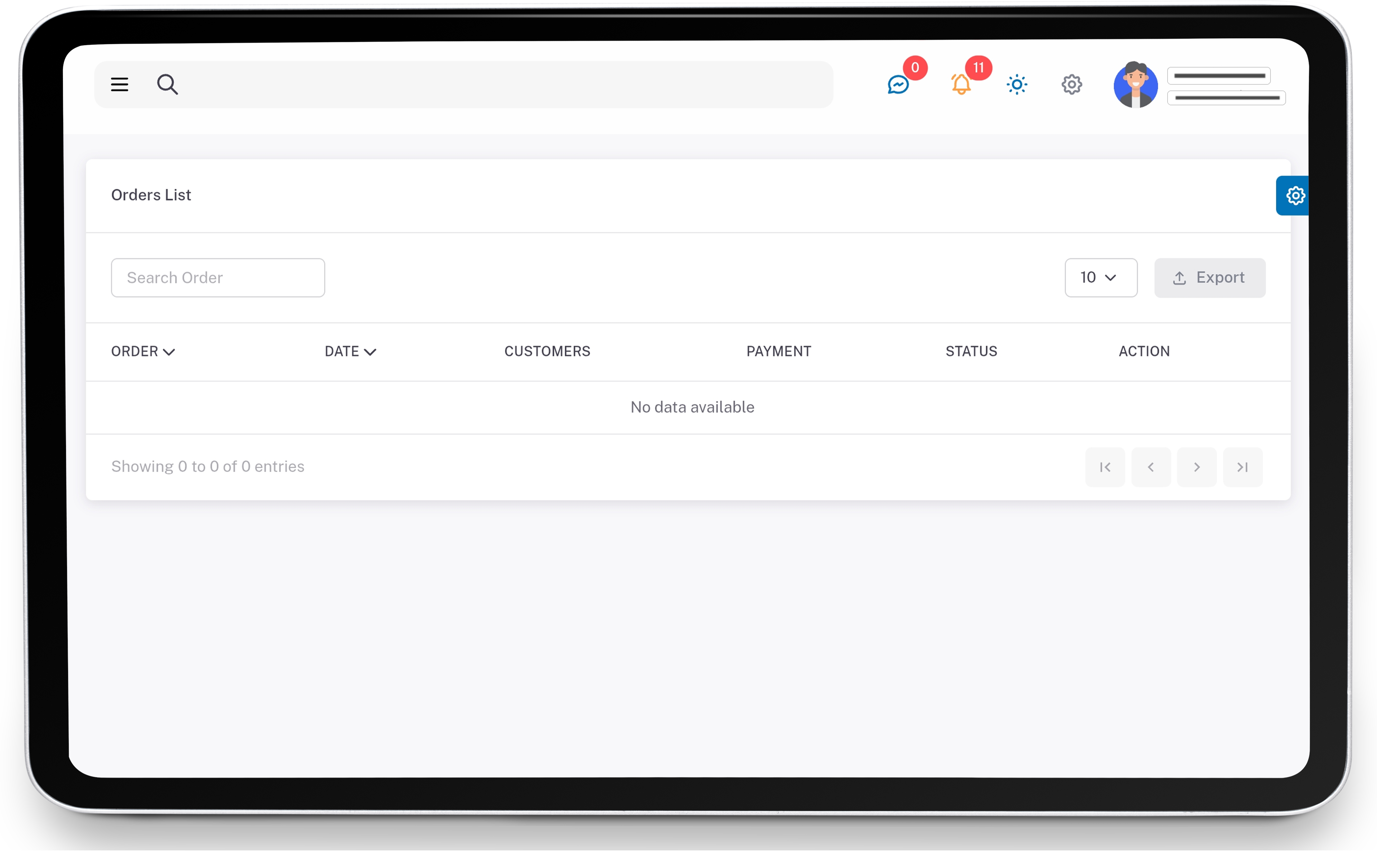
Sort orders by date, status, employee, or customer. Find exactly what you’re looking for without scrolling endlessly.
Track Every Move Without Losing Focus
Managing orders isn’t just about checking boxes—it’s about keeping the flow smooth for everyone involved. Whether you’re running a busy repair shop, cleaning service, or custom product business, SmartTrack CRM lets you keep tabs on every moving part. You’ll know what’s done, what’s next, and who’s on it—all in real time. That means fewer calls, clearer updates, and more time spent actually running your business instead of chasing down details.
From your dashboard, just click into any new or pending order. You’ll see an “Assign” option where you can pick from available employees based on their schedule or job type.
Can I track the status of each order in real time?
Yes. Every order updates automatically as your employees take action—like accepting the job, arriving at the location, or completing it. You’ll see live status changes without refreshing.
What if a customer updates or cancels their request?
You’ll get a notification instantly. The system will reflect the change and give you the option to reassign, reschedule, or close the order.
Is there a way to message customers or employees from an order?
Definitely. Each order has a built-in chat where you can talk to either the customer or the assigned employee—no need to jump between different apps.
Can I search for past orders or filter them by type or date?
Yes. Use the filter and search tools to quickly find orders based on customer name, date, job status, service type, or assigned employee.